Did I just lose my 20,000 pesos from ING digital bank? ?

On November 26 last year I started setting up my ING account. Opportunistic with the hopes of not missing out on the 4% interest rate. Creating and completing their Know Your Customer verification (KYC) did not go as smooth as I expected it. Even though everything can be done online via their smartphone app, it’s hard to figure out what you are doing wrong because there’s not an actual person assisting you.
One of the annoying steps I have to do is face verification. They’ll open your phone’s selfie camera, ask you to position your face in a circle, once detected, you need to blink, nod and open your mouth.
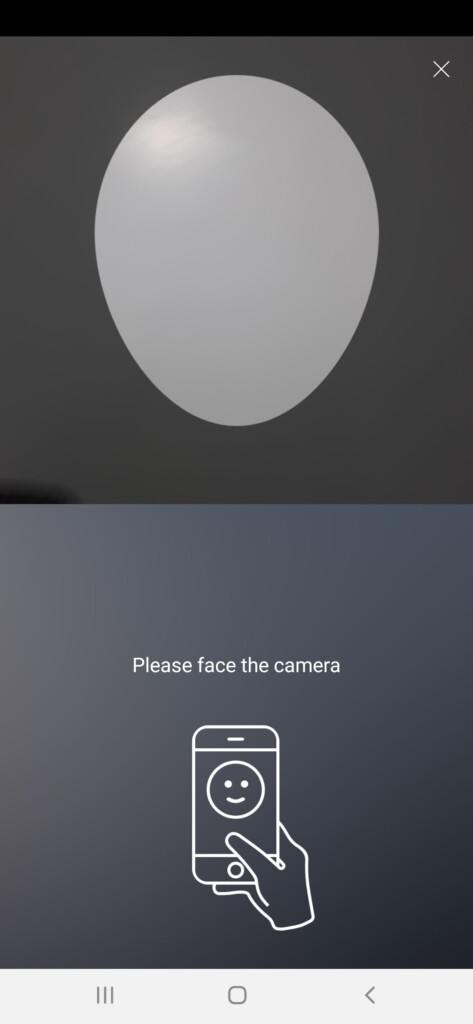
I just can’t get it working on the first night. I even tried to read all their instructions loud; even Google’d what technology they are using for face detection, in case they have their own instructions. I even tried to reach out to their support via their in-app message, but no reply. No customer support response even the next morning.
I just kept on trying for the next few days until it finally went through. The face verification successfully going through felt more like luck. In the end, I wasn’t able to figure out what I was doing wrong in the face verification or if the face detection has its algorithm patched up ?♂️.
Name verification
This is probably the first time when my inconsistent last name vs my IDs actually bite me. You can read more about the mismatch of my name and IDs on my previous blog post: https://blog.arvilmena.com/2021/02/24/my-long-journey-to-correct-the-surname-on-all-of-my-documents/
I was able to finish ING’s Know Your Customer verification. After 2 days, I logged in and a prompt/alert appears. The prompt says I need to activate my name, to give a summary, they simply want me to fix my name. I suspect it is because I use the “ñ” version on my last name, and yet on the Passport that I submitted, my last name is using “n” instead. So I updated my name to use the “n” version. This way, the name I use to register with the name matches the name stated on my passport. The update went through and the prompt says “Submitted”, and there’s nothing else that needed to be done in the prompt.
The next day when I logged in, the prompt appeared again, when I proceed, it still saying that I should fix my name same as before, but it says “Submitted”, so there’s nothing really to be done, only a button to go to the Dashboard. This prompt will keep persisting and showing up every time I login.
Contacting support regarding the annoying prompt
One day, I got annoyed worrying if the account is bugged, I messaged them via their in-app chat. I told them that I keep getting the activate account/name every time I log in. It took them ages to respond, at the end, they created a “complaint ticket” on it and told me they will pass it to somebody else and will investigate it. The “complaint ticket” remained to reply in the in-app chat. I even followed up again a month later and they replied again that they are still waiting for the respond of people who should investigate it.
At this point, I’m kind of convinced that I can just ignore the prompt since if the customer support doesn’t know it, its probably just a bug in the app.
Is my account ready? Doing a test deposit
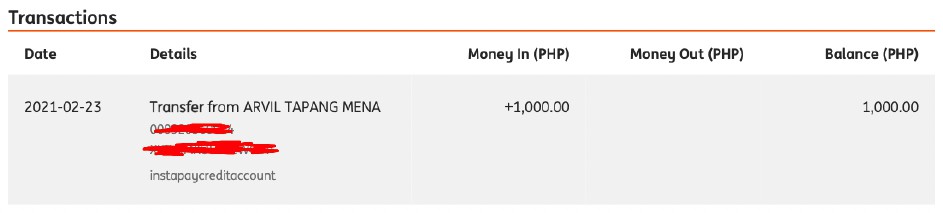
I had been convinced more that my account is working properly since I tested transferring 1,000 pesos, which instantly reflected on the app:
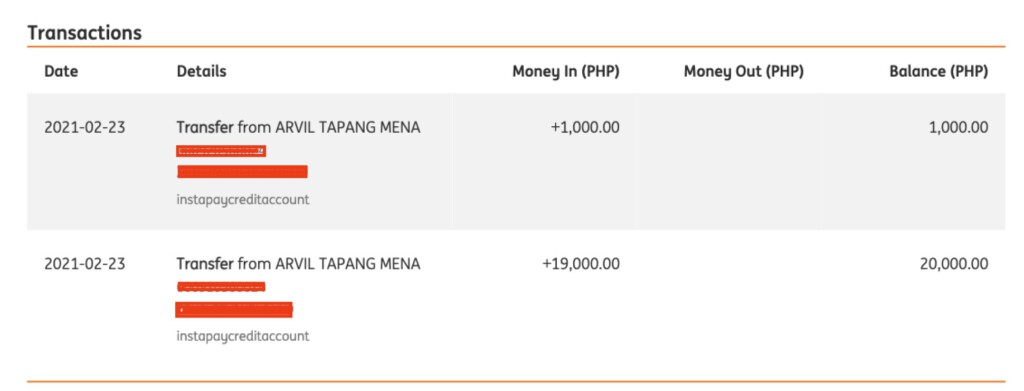
After seeing that my account is working properly, I deposited additional 19,000 pesos, making it a total of 20,000 pesos in my account.
ING can also print bank statement
Around February, I am researching and learning how to invest online. Mostly, digital platforms and website will require proof of address. And I don’t really have anything substantial named to me on my address here in Bulacan.
I have a credit card statement from BDO Amex but the address printed on it was my address back in Pampanga.
I have a bank statement from BPI but the address printed on it was my address back in Baguio when I opened it in 2009.
Our utility bills are all named after my parents.
I have my address printed on my voter’s ID, but it’s really hard to get these platforms acknowledge that my voter’s ID as a proof of address.
Luckily, and one trick I learned is that ING can print a bank statement. The bank statement it will print has your address.
Me being able to print bank statement, and that bank statement being acknowledge by these digital and finance platforms is a big boost to my confidence that my account is working properly and that ING is a legit bank.
Getting the 4% interest taste
Fast forward on March 1, I logged in and saw that ING awarded me 7 pesos for the interest which is definitely 4% p.a. interest of a 20,000 pesos deposit. I was definitely happy. No regular bank would award this much interest.
Fast forward March 6 ? – ING closing my account
I logged in today in the app, and then a prompt appeared stating that my “account has been closed because I failed to submit my documents for 85 days and that they will contact me” (just paraphrasing, sorry I wasn’t able to get a screenshot and apparently I won’t be able to see the prompt and the message anymore).
I was definitely surprised and worried. The screen suddenly switches to where you have an option to create an account or log in again, the same screen you would get after opening the app the first time after installing it. I cannot even see the prompt again to confirm their message.
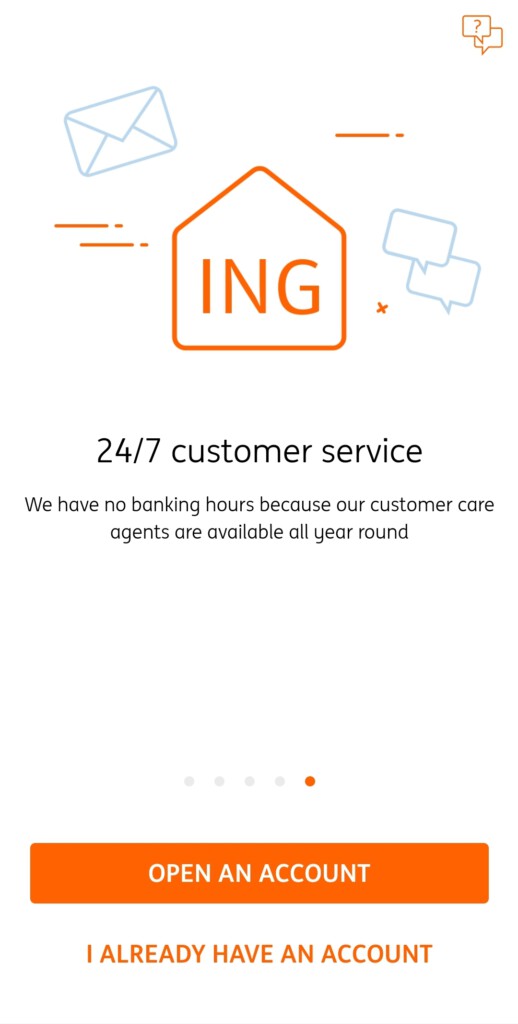
Obviously, I would try to login again so I tapped “I already have an account”.
Attempting to login again
It doesn’t seem ING has a typical login page, but rather more like an “Account recovery”. I am being asked to put my complete name and birthday then do the face verification (again!).
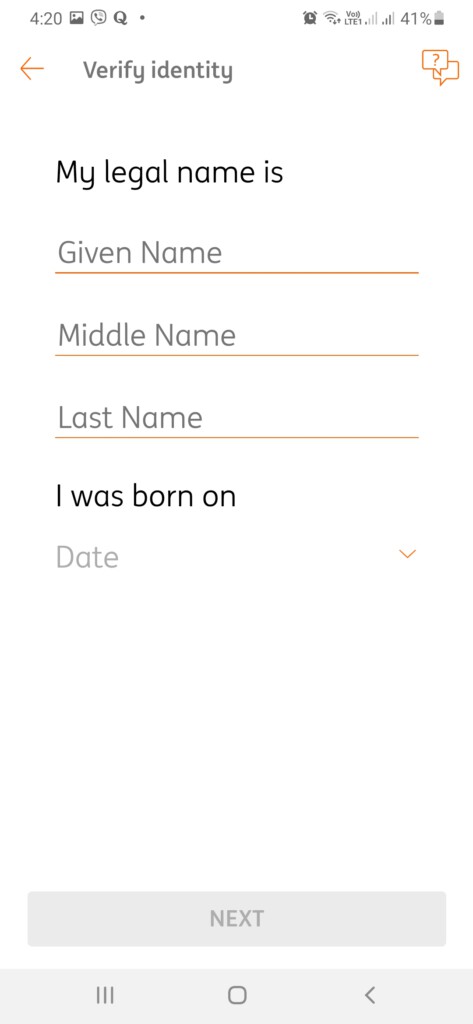
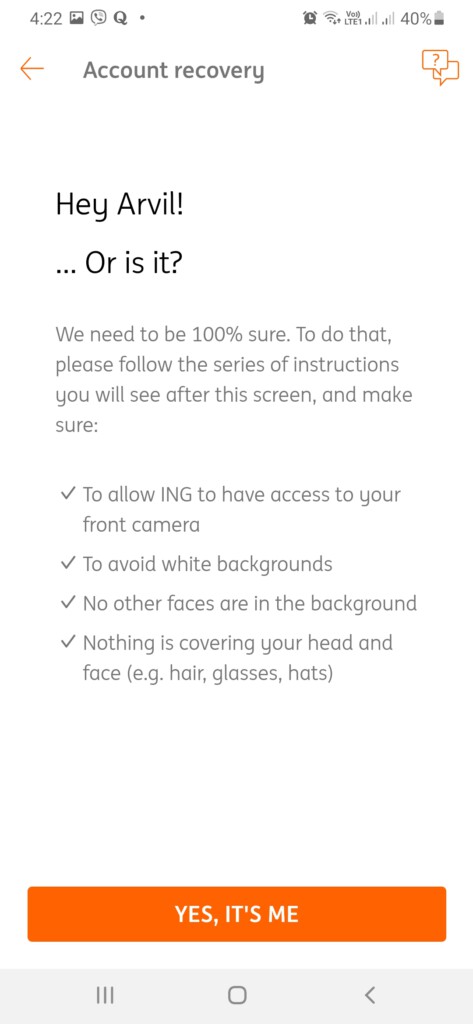
So I tried faithfully at least a dozen times to go through. But I kept failing the face detection.
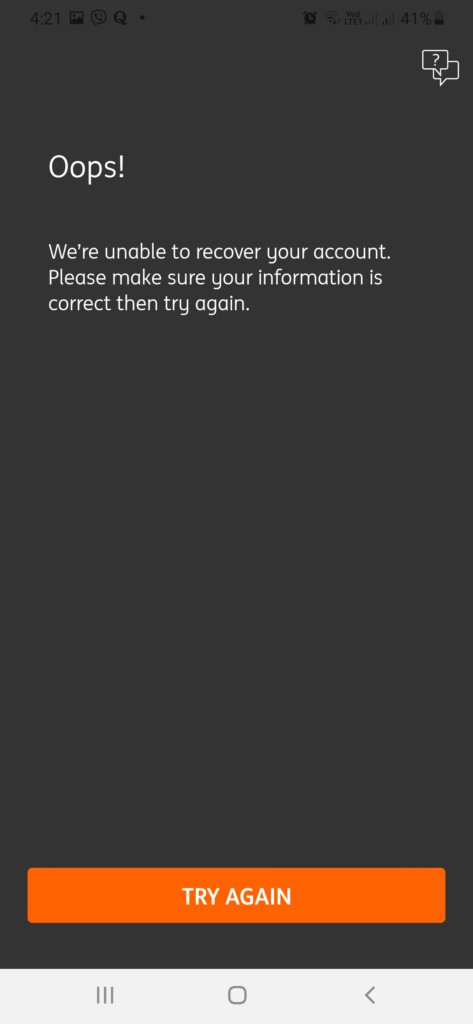
After trying multiple times, doing it carefully, reading the instructions aloud, I kept failing. At this point, I am starting to suspect that my account is not on their system anymore. Heck, they just said that my account was already closed, so I guess account recovery will not log me in. What’s there to log in if its already gone right?
Now, I’m really worried and stressed out! I am losing my 20,000 pesos!!! ? ?
Researching and finding help online
I am a member of a Facebook group that niches on digital banks like ING. I searched the group and saw someone posted yesterday who have the exact same problem:
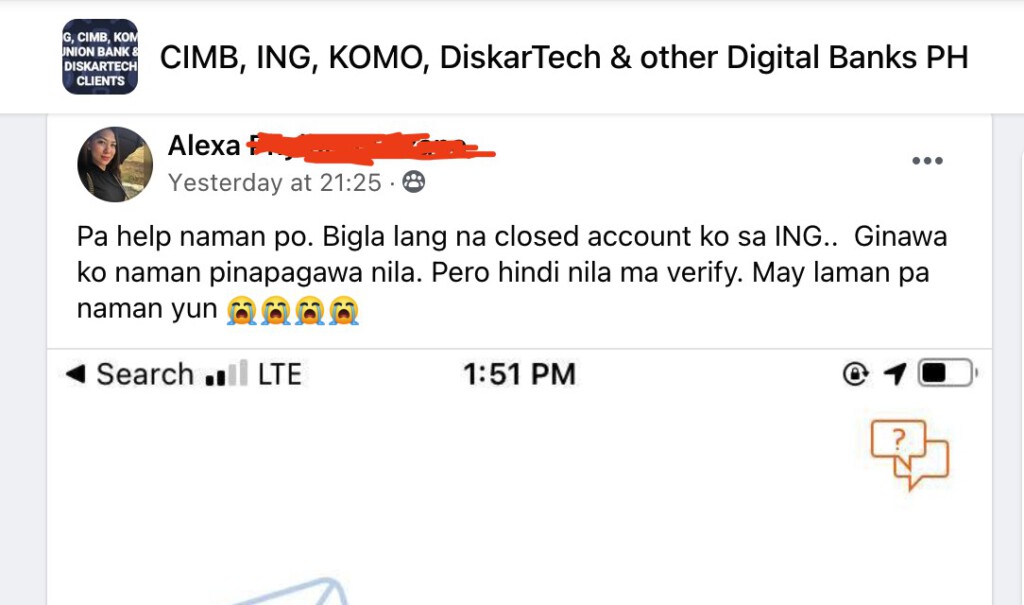
Then another guy replied on it and telling how he dealt with it:

So, the other guy said that he also have 5,000 pesos on his account when ING suddenly closed his account. He contacted ING but got no action for 2 months. Hence he asked help from BSP’s support (Banko Sentral ng Pilipinas). After 1 day, ING email’ed him with the BSP in CC. ING return his money to his “other” account.
Okay, at least this looks promising, there’s still a chance to return my money.
I’ll proceed with contacting ING’s support for now both on their in-app chat and their Facebook messenger. I’ll just use the chat with them as evidence of no-compliance nor support once I started contacting BSP.
Can’t even see the previous in-app chat messages
On the attempt to compile my support message, I was hoping I can give evidence that I actually asked them to fix the “activation/fix name prompt message” by taking screenshot of the support chat and complaint ticket. Unfortunately, those messages won’t appear in the in-app chat. I assume the in-app chat is attached to the logged-in account.
That’s why as a tip to the readers, try to take screenshots whenever you are chatting with their support via in-app. If they close your account you have no way to provide evidence that you actually reached out to them. There’s also no way to recall what has been discussed between you and them.
Looking for ways to contact ING
Though I’m already aware, but for those readers who don’t know it yet, ING is a digital bank without any physical office, at least not a customer support location. So you can only contact them via the internet.
And looking at their website for ways to contact them: https://ing.com.ph/contact-us

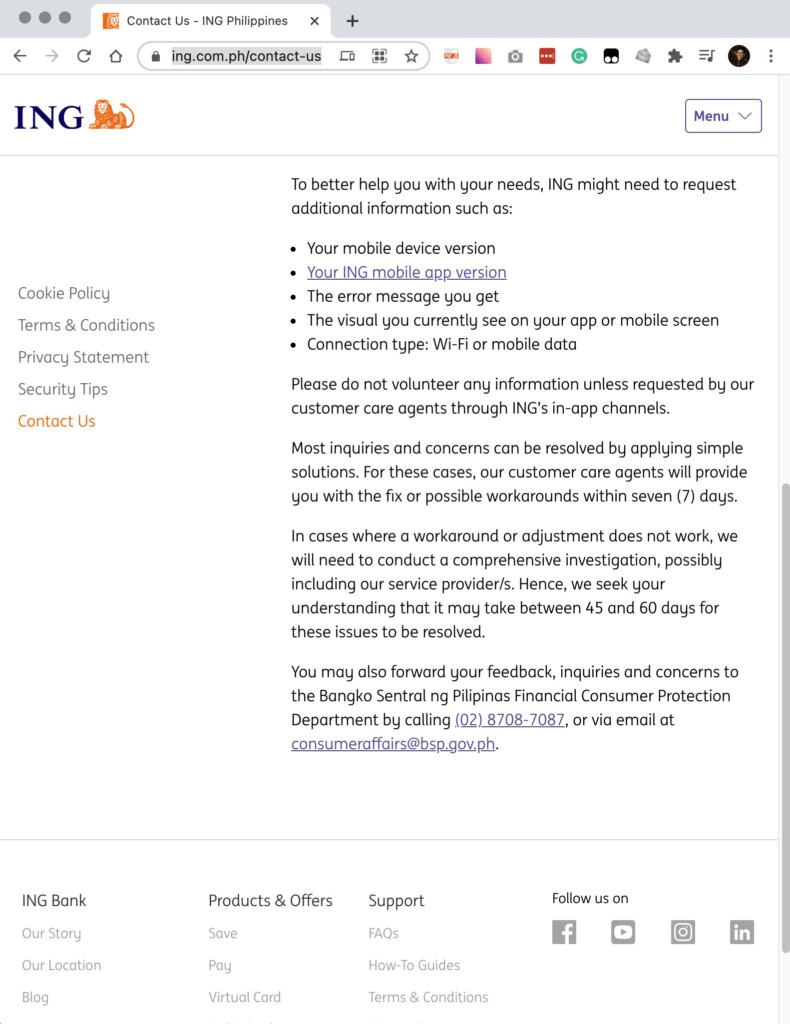
The only ways to contact ING support is:
- Via their mobile In-App Chat
- Via their mobile In-App Message – which I don’t know what’s the difference between the two
- Via their Facebook Messenger. No link provided! So I assume this page: https://www.facebook.com/INGPhilippines/
And at the end, they are even telling you to direct your enquiries to Banko Sentral ng Pilipinas (BSP) instead!
Basically, if you’re fucked, you’re on your own!
Contacting their support
As of March 6, I sent out a message to their in-app chat regarding my situation:
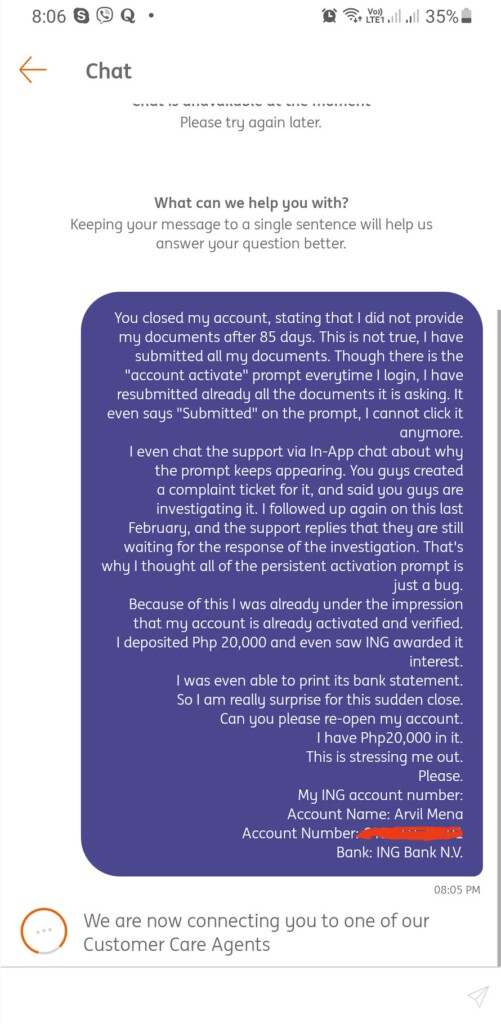
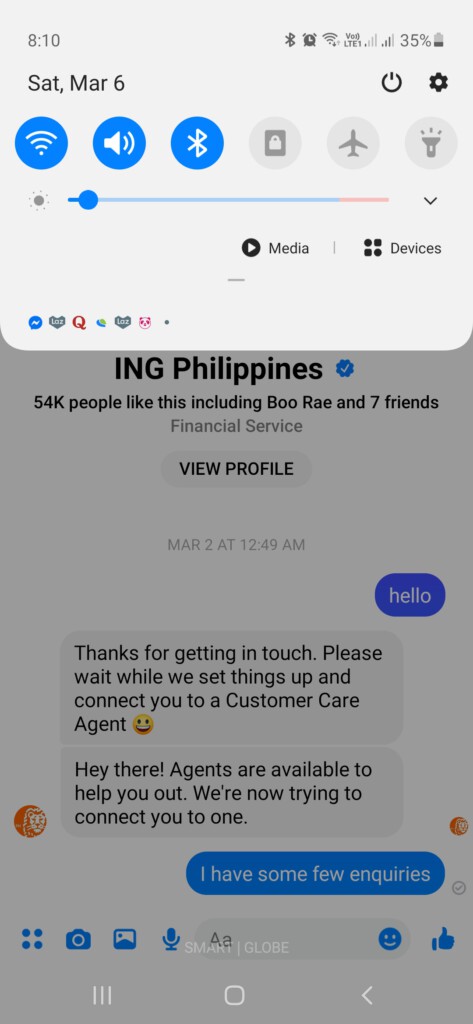
I will try to wait it out for couple of days, but I won’t be optimistic especially after hearing that they can’t action it without BSP’s intervention.
March 8 – Contacting BSP support chat
I have sent out a complaint using BSP’s support chat https://www.bsp.gov.ph/ It generated me a complaint ID. It says that I will receive a report
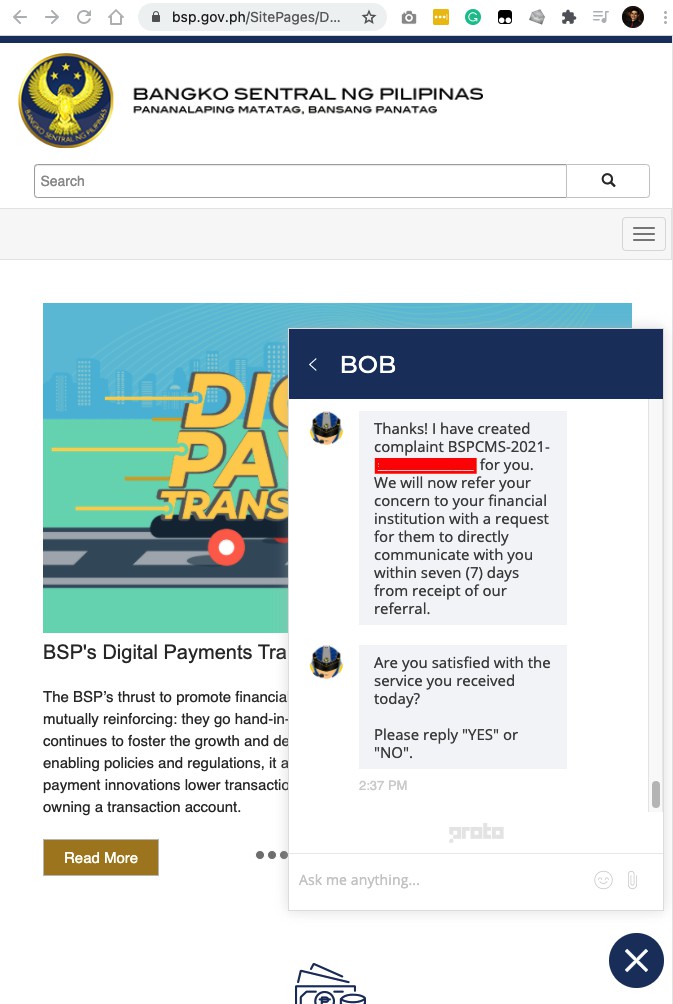
March 10, 2021
ING sent an email to me, seems like a generic email they send for people who had their account closed and has remaining funds on it. This gives me an idea that these cases are common.
It contains the options on how the old users can take their remaining funds. Either create a new account or you will send them your bank details and they will deposit the funds there. I chose the latter.
March 16, 2021
ING Customer support has sent an email to me regarding my concern, I imagine this is in regards to the chat support I sent out to BSP. They added BSP’s email address as CC.
It has a disclosure that their email is confidential so I am not going to be specific on their reply. But in summary, the issue was caused by the inconsistency on my name, I imagine because of the “ñ” in my last name.
Summary
I finally recovered my remaining funds. To be honest, I’m not satisfied with ING. Their support link directly asks you to contact BSP! If you’re a digital bank that doesn’t have physical local branches, it’s pretty obvious that easy customer support access is priority number 1. I was not a happy customer.